Unreal Engine and Twinmotion are Epic Games’ real-time engines for architectural visualization. Twinmotion is the fast, preset-driven tool architects use to turn a 3D model into renders, walkthroughs, and VR in hours; Unreal Engine is the deeper, more customizable engine behind it, built for interactive experiences and cinematic photorealism. This guide covers which to choose, how to set each up, and how to push their output to photoreal quality.
What real-time archviz is: rendering a 3D architectural scene live, so lighting, materials, and camera update instantly instead of waiting on frame-by-frame calculation.
- Not offline rendering — engines like 3ds Max with V-Ray or Corona compute each frame in advance for maximum polish; real-time trades some polish for instant feedback.
- Not 3D modeling — Unreal and Twinmotion visualize models built elsewhere (Revit, SketchUp, 3ds Max); they are not where you draft the geometry.
- Not AI image generation — output is driven by your real BIM/CAD model and controllable materials, not a text prompt.
Twinmotion vs Unreal Engine: which should architects use?
For most architects, Twinmotion is the right starting point: it produces photoreal stills, animations, and VR from a synced model with almost no technical setup. Reach for full Unreal Engine when a project needs custom interactivity — a configurator, a branching walkthrough, a product-style toggle — or when you want the absolute ceiling on cinematic quality and are willing to work with Blueprints. The table below compares them on the criteria that actually decide the choice.
| Criterion | Twinmotion | Unreal Engine |
| Learning curve | Low — archviz presets, drag-and-drop | Steep — game-engine depth, Blueprints |
| Time to first render | Hours | Days to weeks |
| Coding required | None | Blueprints (visual) or C++ for advanced work |
| Interactivity | Presets: day/night, seasons, basic walkthrough | Fully custom: configurators, logic, UI |
| Photoreal ceiling | High | Highest (Path Tracer, full material control) |
| Best for | Architects, in-house concept visuals, quick client updates | Studios, interactive experiences, hero cinematics |
| Output | Stills, video, panoramas, VR | Stills, cinematics, real-time interactive apps, VR |
How to set up Unreal Engine for architectural visualizationFrom our studio — there isn’t one program where you just model and render. Our backbone is 3ds Max, with Blender and Cinema 4D alongside it, and we bring in Twinmotion or Unreal when a project needs to move or be walked through. The engine follows the deliverable, not the other way around.
How to set up Unreal Engine for architectural visualization
Getting from a bare install to a first architectural scene is a short, repeatable path. The steps below apply whether you are producing exterior rendering projects or interiors.
1. Install the engine
Download the Epic Games launcher, sign in, and install a recent Unreal Engine version (you can keep several side by side). Before you start, check the minimum GPU and CPU requirements in Epic’s documentation — real-time features like the Lumen global-illumination system and Nanite virtualized geometry are demanding, and requirements differ across Windows, macOS, and Linux.

2. Create the project and learn Blueprints
On launch you choose a template — architecture, film, or a blank scene — then set the target platform, quality preset, and whether to include starter assets. Unreal’s visual scripting system, Blueprints, lets you add logic and interactivity without writing C++, which is what makes the engine approachable for architects rather than programmers.
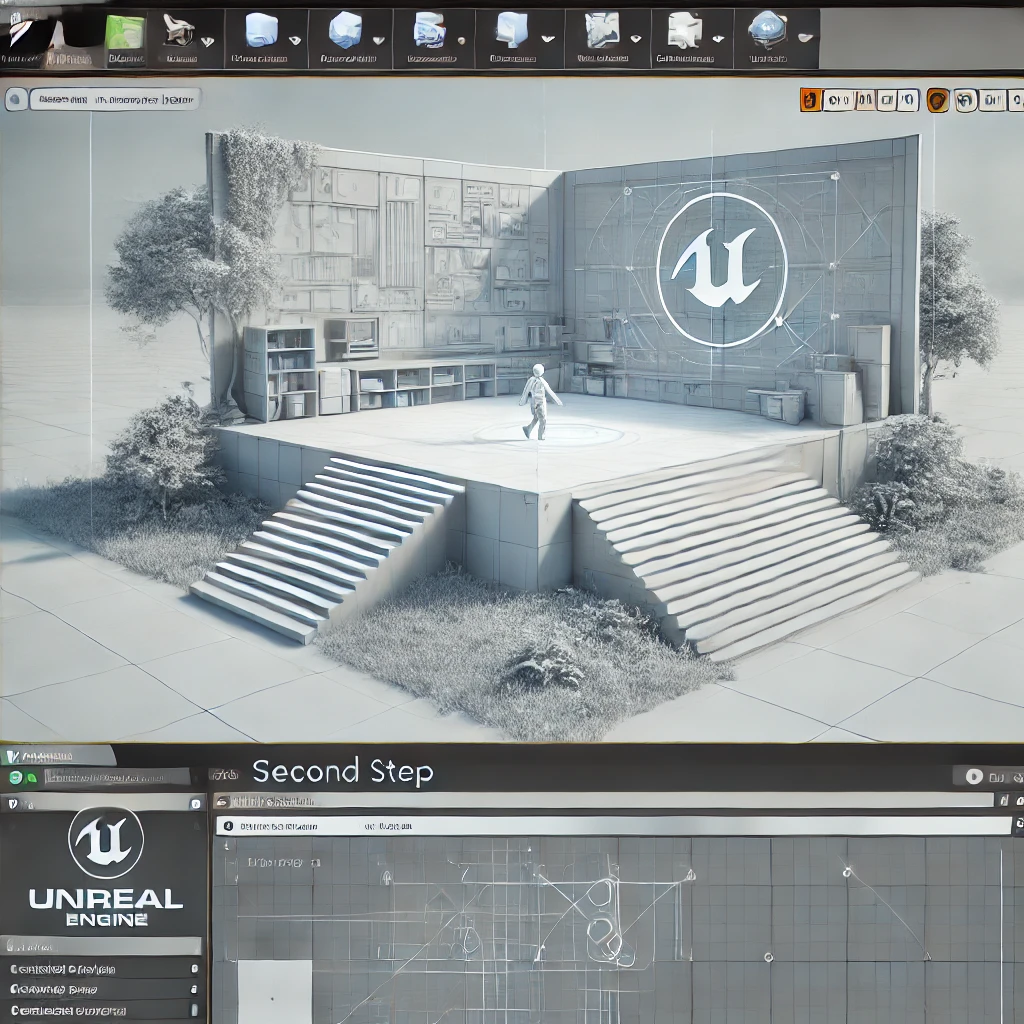
3. Import your model with Datasmith
Datasmith is Unreal’s import toolset for architecture: it brings CAD and BIM scenes from 3ds Max, SketchUp, Revit, and Rhino directly into the engine while preserving geometry, materials, and object hierarchy — often with a live link so model changes update the scene automatically. For one-off assets, OBJ keeps geometry and texture fidelity while FBX carries hierarchy and skeletal data. Once imported, you refine lighting, materials, and textures using Unreal’s node and instance system, so a single edit can recolor every wall at once.
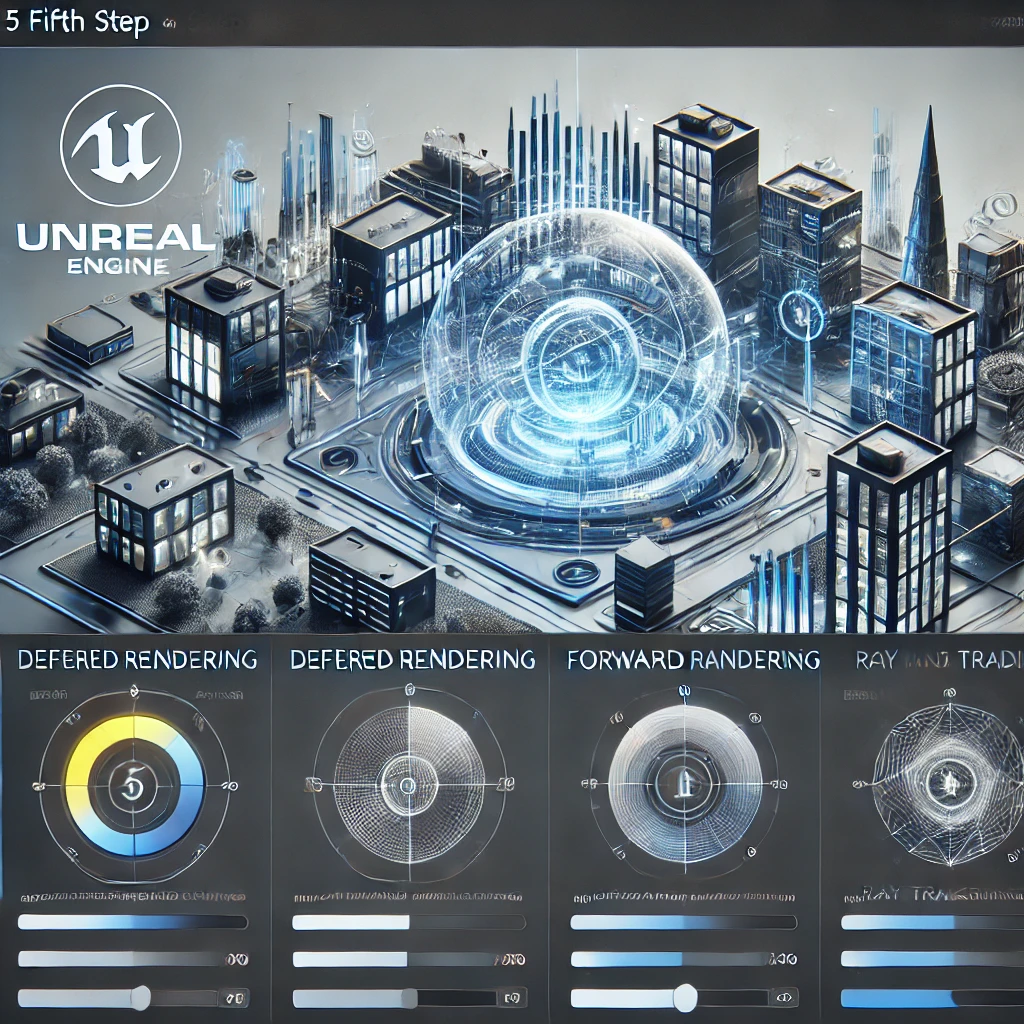
4. Configure rendering
Unreal offers several rendering paths: deferred rendering for lighting- and material-heavy scenes, forward rendering for lighter scenes with few light sources, real-time ray tracing for accurate reflections and shadows, and the Path Tracer for offline-quality final frames. Unlike a traditional pipeline in 3ds Max, you edit and see results live, so you can test design options and respond to client feedback in the moment.
5. Add interactivity
With Blueprints you move past static images into interactive tours and VR — opening doors, switching finishes, or letting a buyer walk a 1:1 model of a building before it is built. This is where Unreal pulls decisively ahead of an offline renderer.
Tuning realism: getting photoreal static images in UnrealTuning realism: getting photoreal static images in Unreal
Real-time speed is not automatically real-time realism. Unreal’s default output can read as slightly “game-like” for architecture; closing that gap is a matter of a few disciplined moves.
Lighting
Lumen calculates global illumination and reflections in real time, so you skip the slow light-baking of older workflows. It is fast and flexible, but for interiors it can still trail meticulous baked lighting in how it handles semi-transparent surfaces like curtains — the detail clients notice first. Set up a Sky Light for ambient fill and a directional sun, and decide early where real-time lighting is enough versus where a baked pass earns its cost.
Materials and the node editor
Photorealism lives in the Material Editor. Its node graph — from a basic TextureObject node to Power nodes that tune intensity — describes how every surface reads light. Build materials as instances so you can adjust a whole family of surfaces at once, and lean on physically based (PBR) values rather than eyeballed colors.
Plugins and asset libraries
The Substance plugin drives high-resolution, physically correct materials with real-time variation, and ships with thousands of export-ready 4K presets. Quixel Megascans — now part of Fab — adds a vast library of photoreal, scanned textures and surfaces, imported cleanly through Bridge. Populating exteriors and interiors from these libraries is one of the fastest paths to believable detail.
Post-processing and optimization
Finished frames usually want a light post-processing pass — depth, sharpness, exposure, and color correction in Photoshop — kept subtle so the image stays believable. Keep the scene efficient with LODs, sensible texture resolutions, fewer material nodes, and streaming, so quality holds without punishing your GPU.
Real-time vs offline rendering: when each winsReal-time vs offline rendering: when each wins
The decision rule is simple: choose real-time when the deliverable moves or interacts, and offline when a single frame has to be flawless. Twinmotion and Unreal win on walkthroughs, VR, interactive tours, and fast iteration under a live client; an offline pipeline in 3ds Max with V-Ray or a GPU renderer still wins on the last few percent of polish in a hero still. Many projects use both — real-time for the experience, offline for the marquee image.
From our studio — we reach for real-time when a client needs a walkthrough, VR, or an interactive tour on a short timeline. For a single hero still that has to be perfect, we still render offline in 3ds Max with D5 or V-Ray. Neither replaces the other; they cover different jobs.
Unreal is also strong for architectural animation, where its real-time camera work and Sequencer speed up producing motion content that would be far slower to iterate in an offline pipeline. For a deeper look at the offline side of that comparison, see our overview of 3ds Max as an archviz workhorse.
How much does Unreal or Twinmotion archviz cost?How much does Unreal or Twinmotion archviz cost?
Twinmotion licensing runs from a free tier for smaller users up to roughly $445 per seat per year, and it is bundled into the Unreal Engine subscription for teams; always confirm current terms with Epic Games, as tiers change. Software is only part of the cost, though — the time to learn the engine and produce polished output is the larger investment. When the deliverable is client-facing, a studio-produced real-time walkthrough or interactive tour typically starts around $800 and scales with length and interactivity. See our 3D rendering pricing guide for full ranges.
Twinmotion suits quick in-house concepts and design reviews; for premium hero imagery, complex animation, or interactive experiences that have to land with buyers, a specialized studio delivers higher polish for less of your team’s time.

Turn Ideas Into Visual Stories
Frequently Asked Questions
Twinmotion is real-time visualization software built on Unreal Engine, designed for architects to create renders, walkthroughs, and VR from their 3D models quickly.
Yes. Its intuitive interface and real-time engine let architects produce photorealistic visuals and animations without deep technical or rendering expertise.
Twinmotion is simpler and faster to learn, focused on archviz presets; Unreal offers deeper control and customization at the cost of complexity.
It links with Revit, SketchUp, ArchiCAD, Rhino, and 3ds Max, often with live sync so model changes update the scene automatically.
Yes. Twinmotion exports real-time VR walkthroughs and panoramas for immersive client presentations.
Twinmotion has offered both free and paid tiers over time; architects should check current Epic Games licensing for the latest terms.
Twinmotion suits quick in-house concepts; for premium hero imagery and complex animation, a specialized rendering studio delivers higher polish.
Yes. Unreal Engine is an industry standard for archviz, producing real-time walkthroughs, photoreal animations, and VR without traditional render times. Lumen lighting and Datasmith CAD import make it strong for architecture.
For architectural visualization, Unreal is usually preferred for its photoreal rendering, Lumen global illumination, and Datasmith CAD and BIM import; Unity is lighter and favored where custom app development matters more than out-of-the-box realism.
No. AI speeds up ideation and some texturing, but it does not model accurate geometry from drawings or guarantee client-specific detail. Real-time engines and studios still produce the controllable, true-to-design output projects need.